
Technique Summary
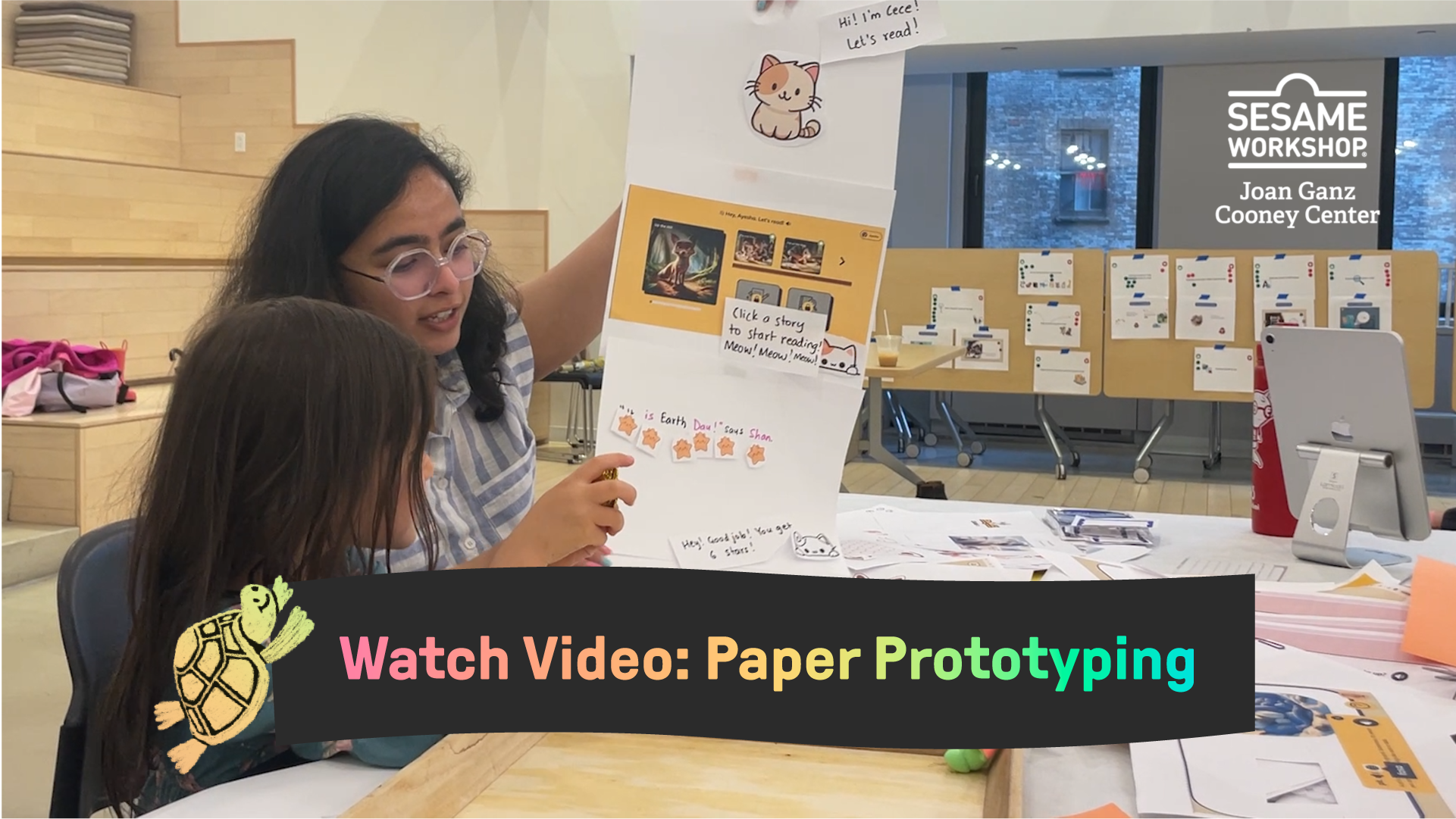
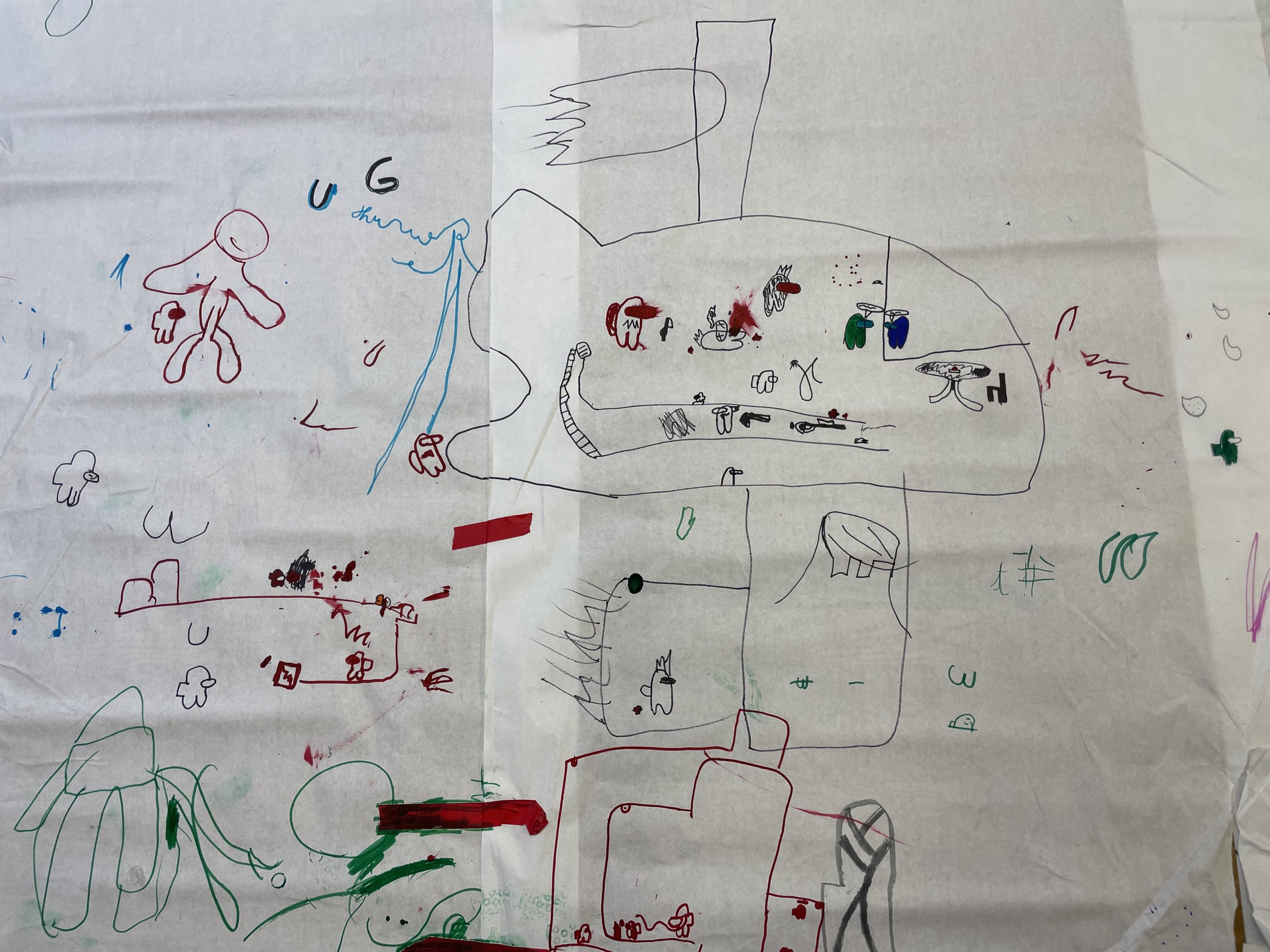
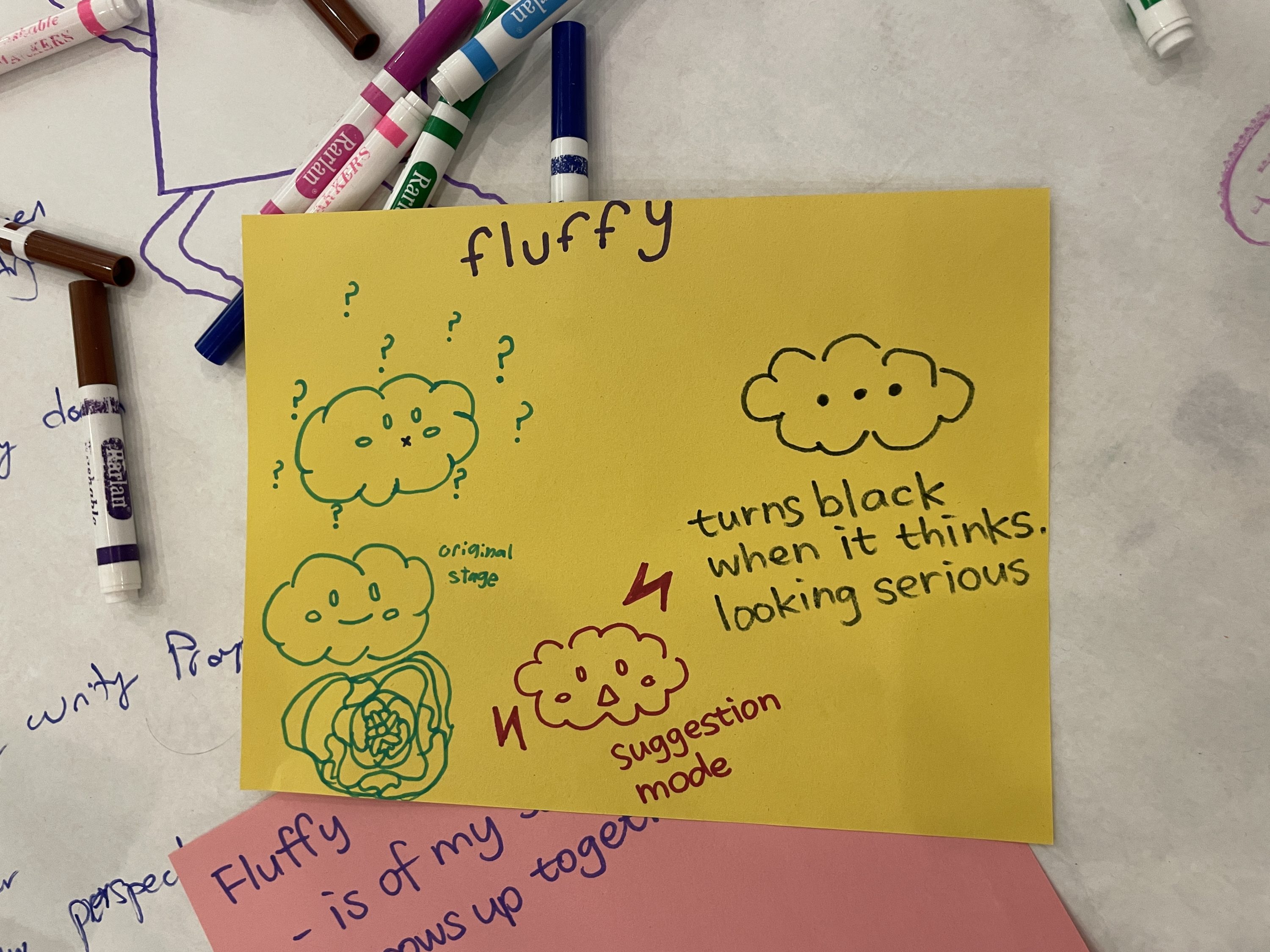
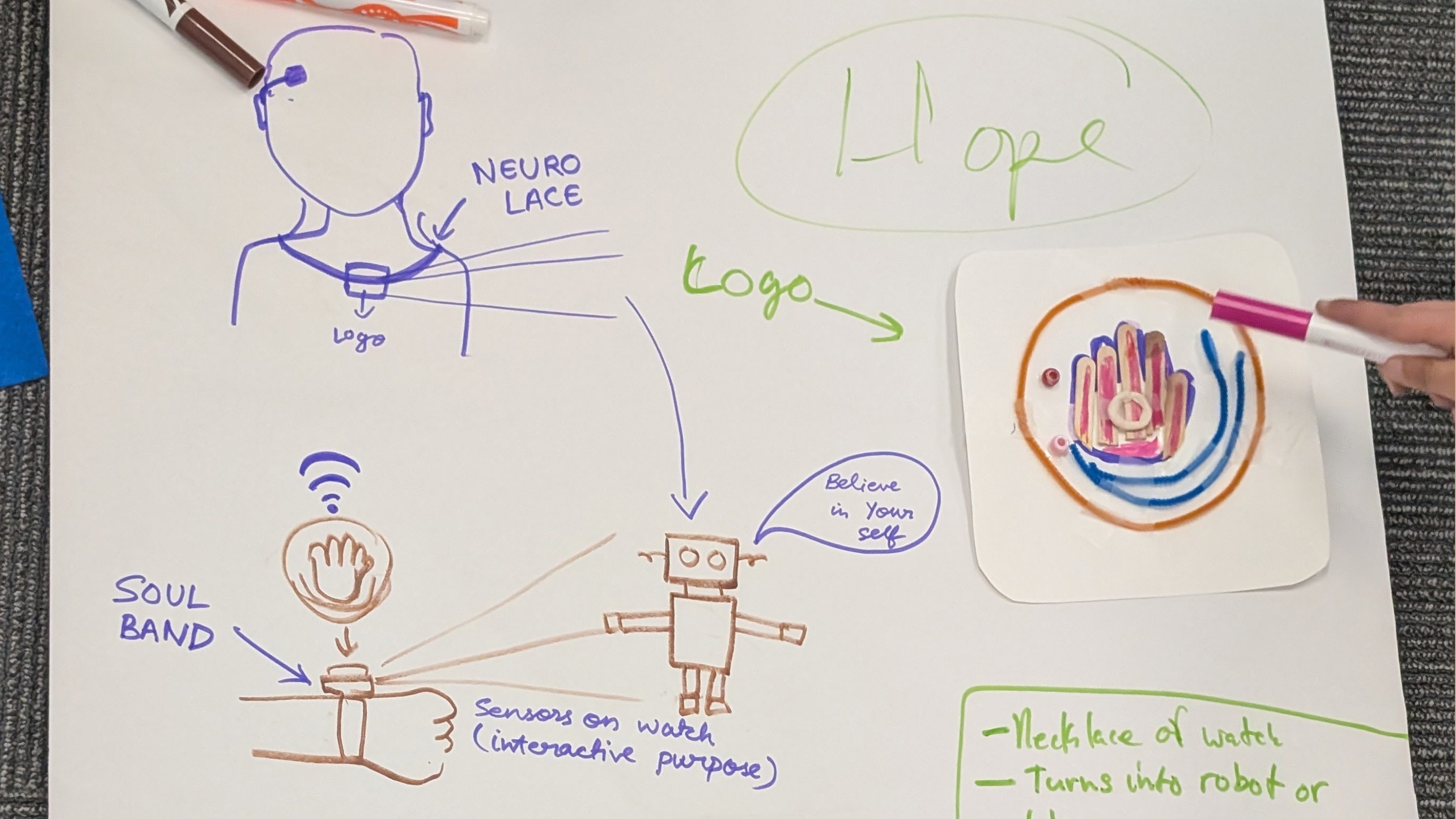
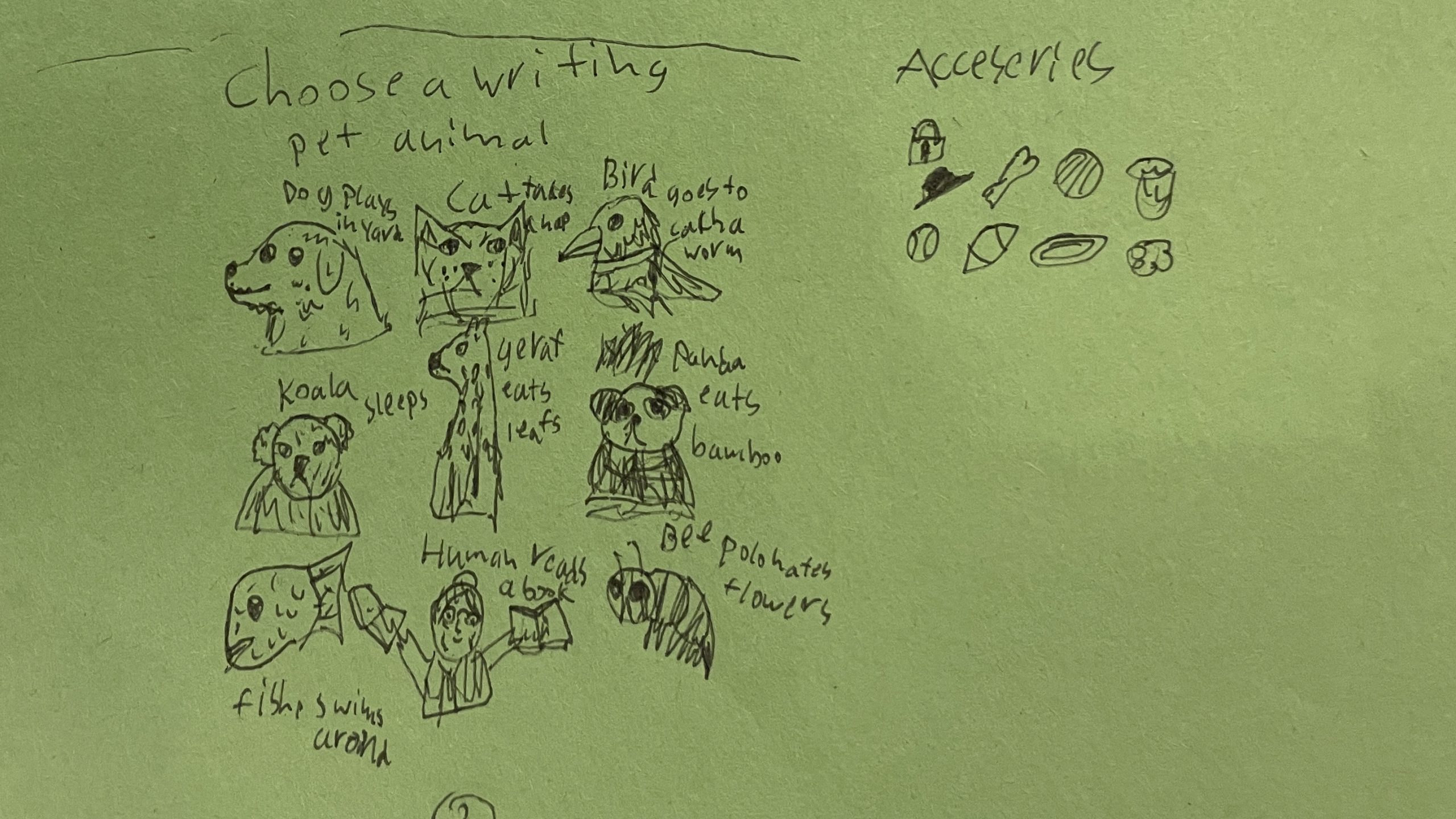
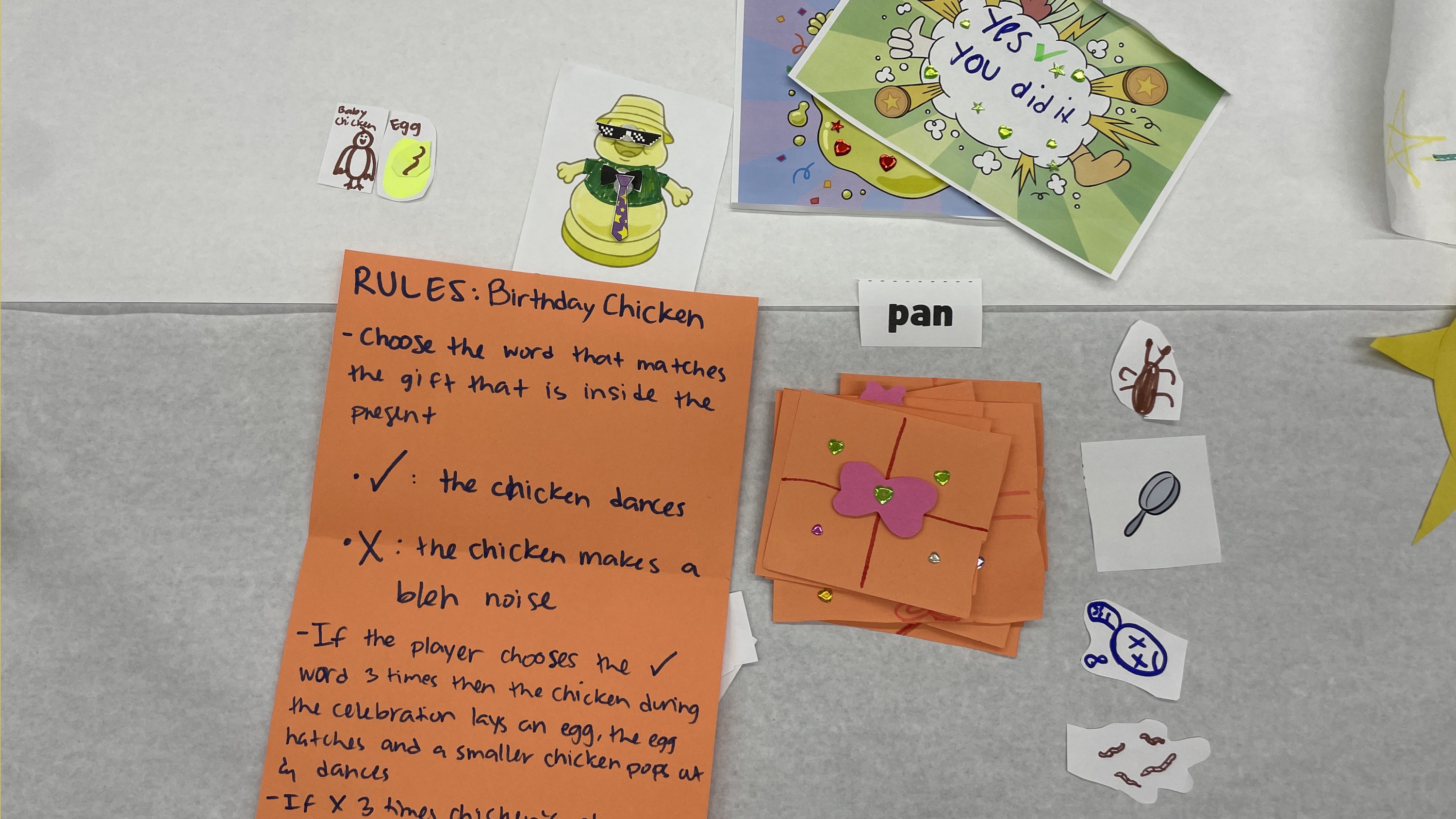
Paper prototyping is using any kind of paper – large sheets, paper with wireframes printed on it, and so on – to express ideas for initial brainstorming of or iterations on a technology.
When and why to use this technique
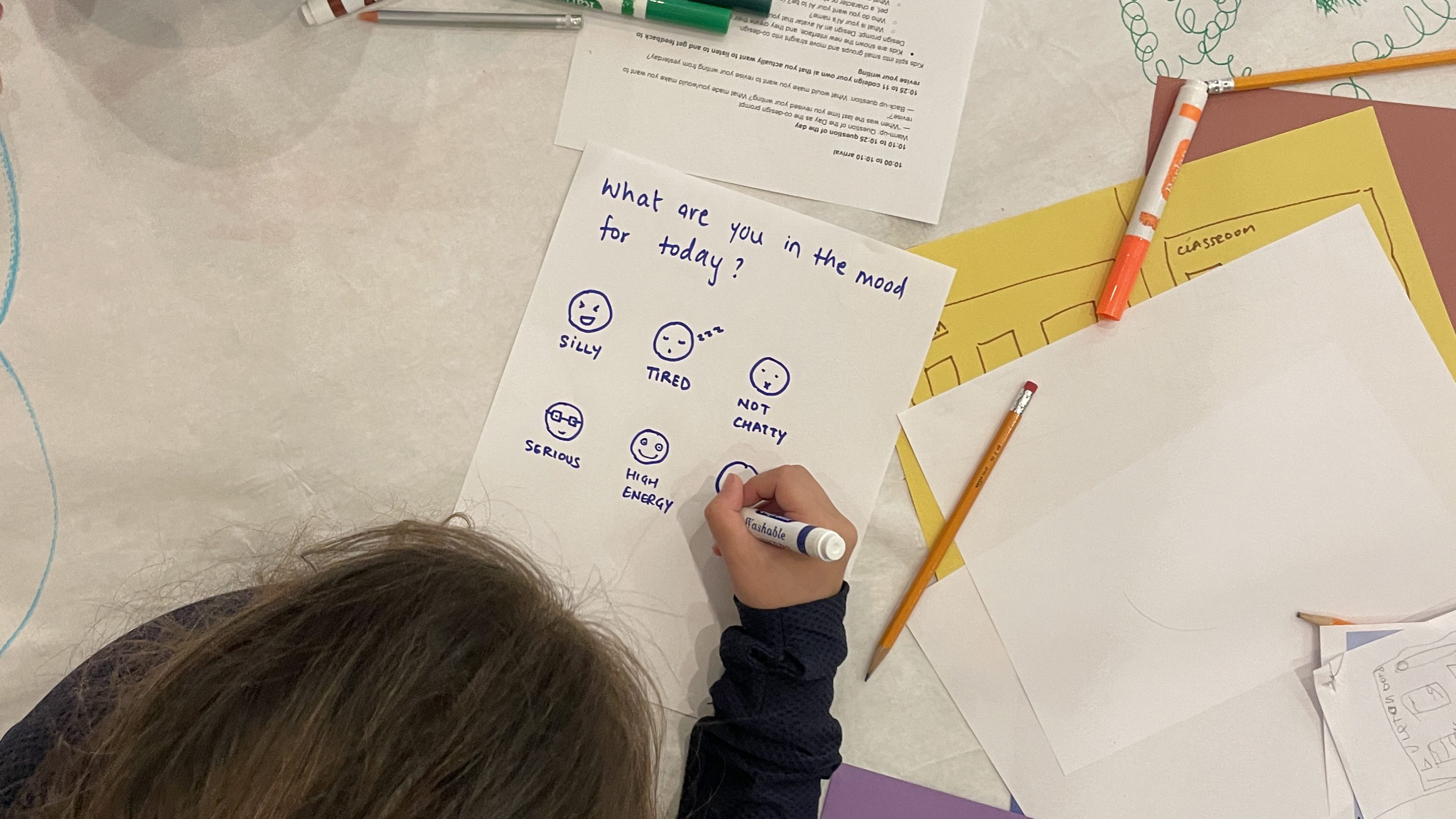
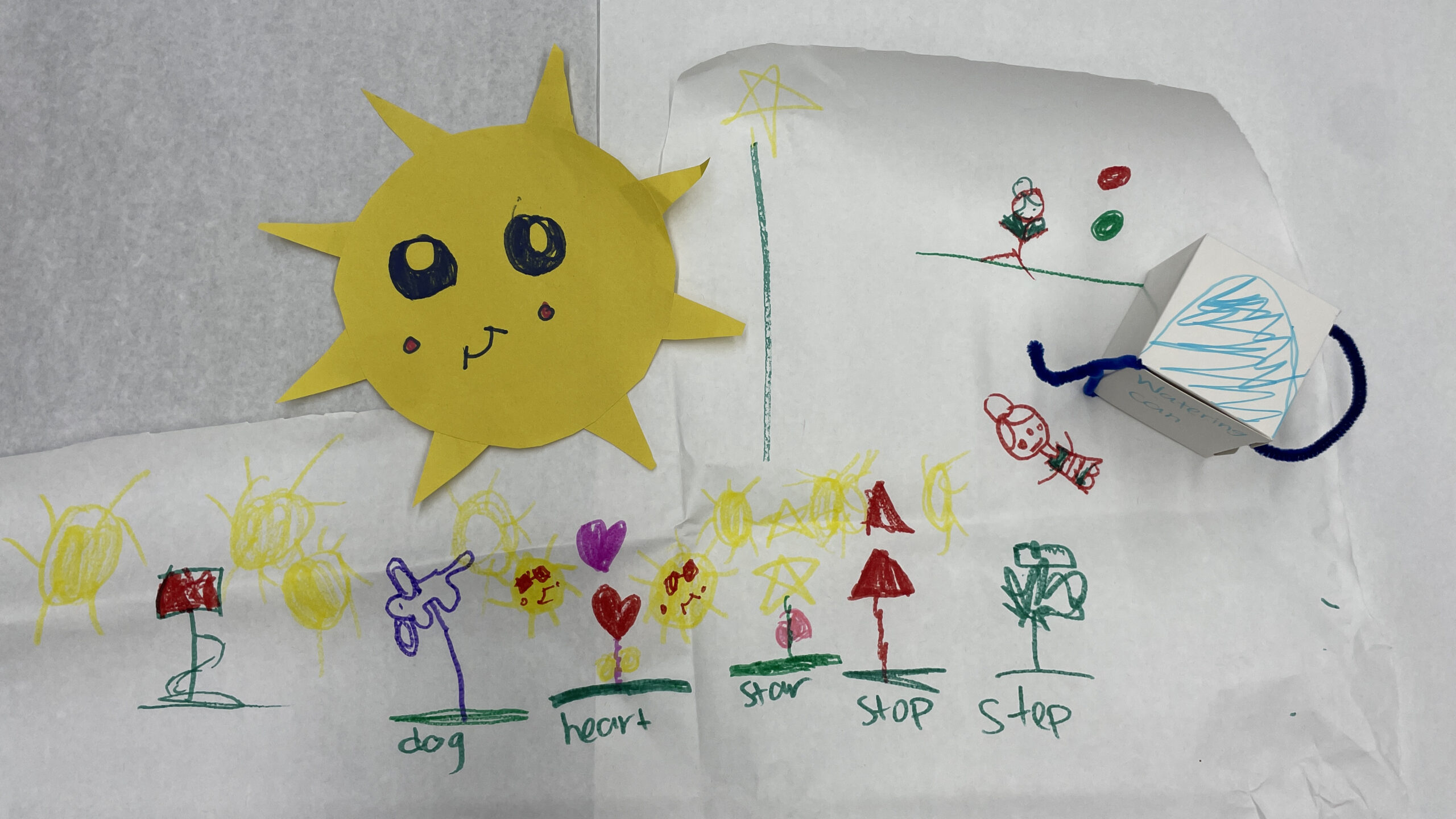
For brainstorming, it is best to start with entirely open-ended materials such as blank paper and drawing implements that co-designers can use to create new ideas. If iterating, it is often possible to provide print outs of the existing prototype that can be annotated, remixed, or used in conjunction with other paper prototyping materials to create next steps. Paper prototyping is ideally suited to creating two-dimensional interfaces such as websites, interfaces for mobile apps, or designs for large screen-based technology and media.
Supplies and Preparation
- Supplies: Paper (could be blank, colored, lined, big, small, etc.), writing and drawing implements (such as pencils, crayons, markers, etc.), scissors, tape, glue, printouts of prototypes. Note: you may or may not need all of these supplies depending on the type of paper prototyping you are doing.
- Preparation: If you are using printouts of wireframes or prototypes, be sure to print out multiple copies of these so that you have ample copies for each small group; also be sure that the print outs are big enough to see important characteristics such as buttons, menus, etc.
How to use this technique
- Small groups should be directed to use the materials of paper prototyping to respond to the design prompt. For example, groups might be asked to design a library that would be online, or a science learning game for an iPhone. Most often, the design prompts for paper prototyping will be open-ended and encourage significant creativity.
- Typically, when using paper to prototype, groups are designing for two dimensions. Prototyping with paper can be especially helpful for design such as websites, screen interfaces, and apps.
- Big paper can be used for a variety of reasons. It might be that the technology you are designing for is big – such as a screen on a wall or a tabletop display. This mimicking of size can be helpful when coming up with design ideas so that you have a more realistic feel of the size of the final technology. Teams also might choose to use big paper if you feel that it will support more co-designers in adding to the design.
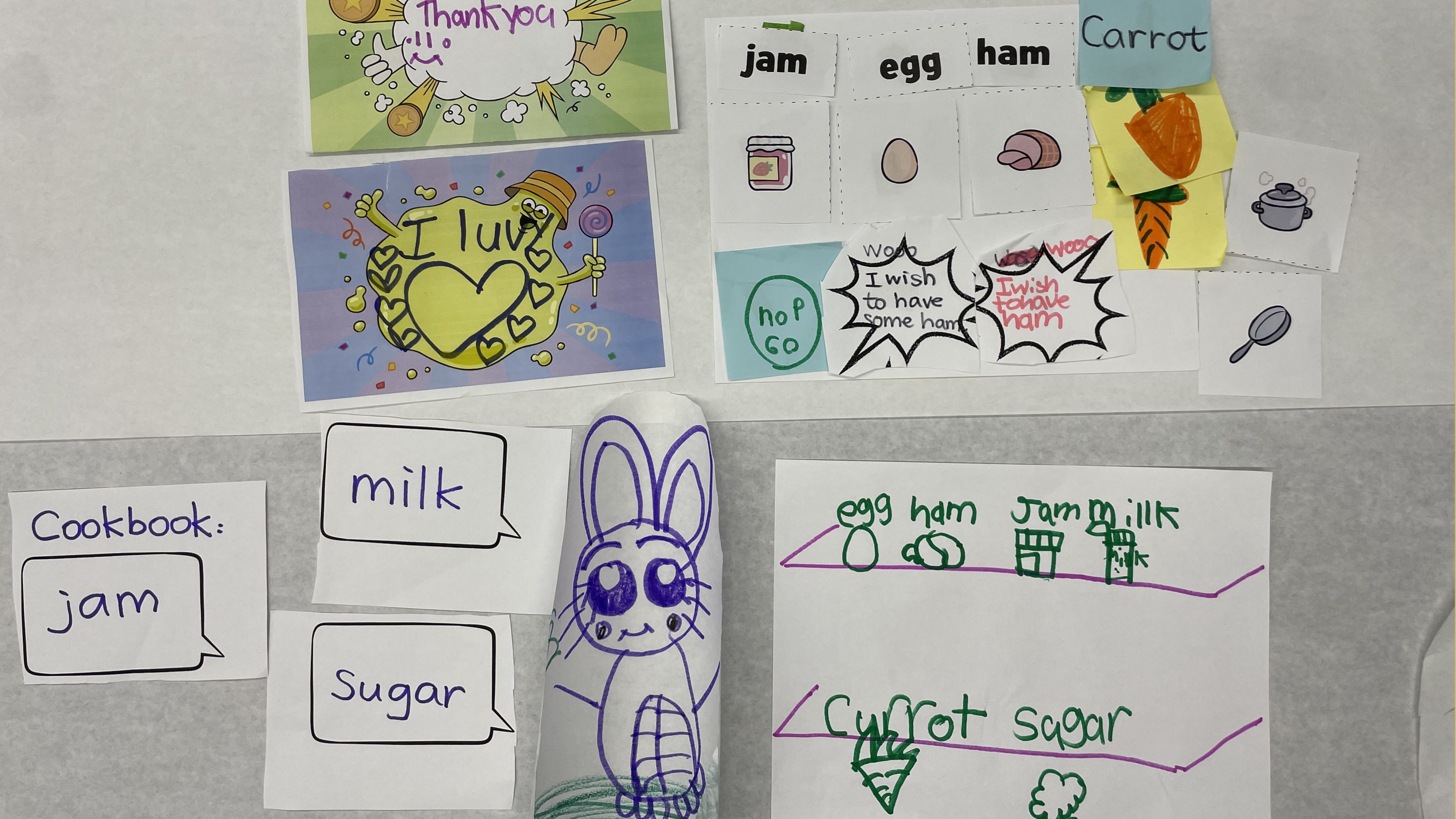
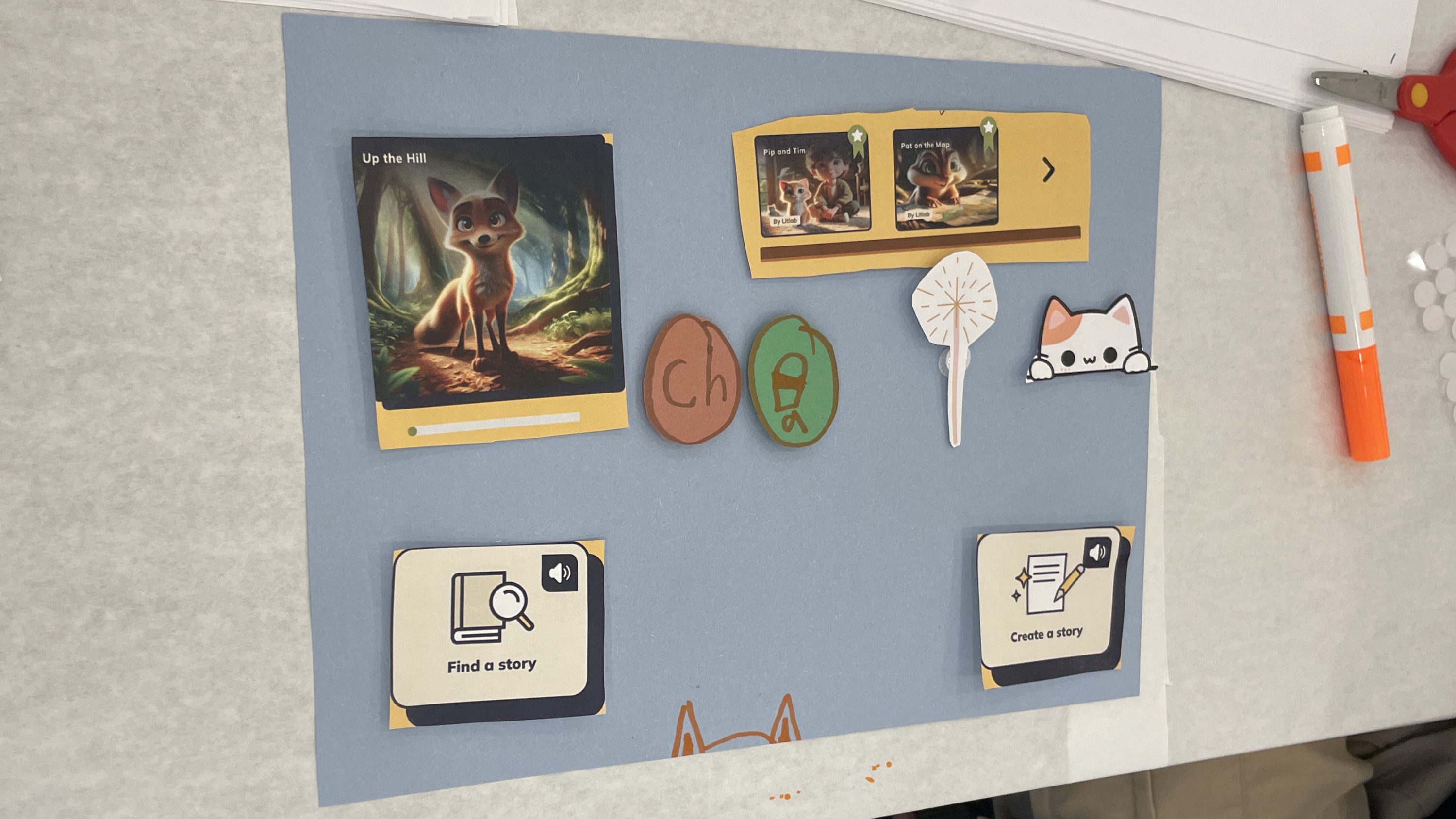
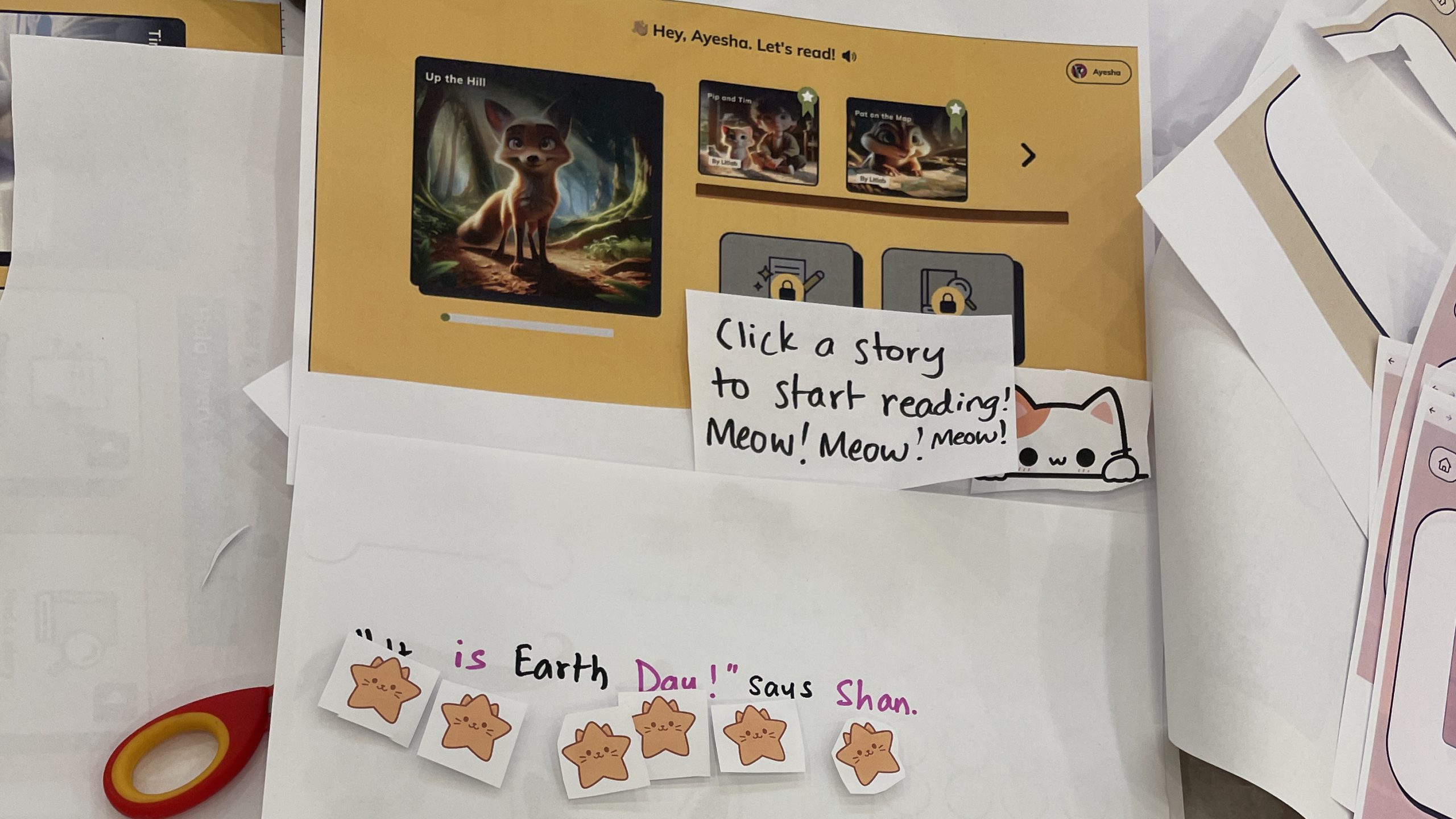
- If you are further along in the design process and are iterating on an idea, it can be a good idea to provide printouts of existing prototypes that can be cut apart and used for future versions of design, or they can be directly drawn upon to indicate new ideas and revisions.
- If using this technique online, participants can simply use paper and photograph their prototypes. Alternatively, participants can use a program online that allows for collaborative work on a blank area such as Google Slides or digital whiteboards.
See this technique in action
References
Fails, J.A., Ratakonda, D.K., Koren, N., Elsayed-Ali, S., Bonsignore, E., and Yip, J. (2022). Pushing boundaries of co-design by going online: Lessons learned and reflections from three perspectives. International Journal of Child-Computer Interaction 33: 100476.
Guha, M.L., Druin, A., Chipman, G., Fails, J.A., Simms, S. & Farber, A., (2004). Mixing Ideas: A new technique for working with young children as design partners. In Proceedings of the 2004 Conference on Interaction Design and Children: Building a Community, pp. 35 – 42.
Walsh, G., Foss, E., Yip, J., and Druin, A. (2013). FACIT PD: A framework for analysis and creation of intergenerational techniques for participatory design. In Proceedings of CHI 2013, 2893 – 2901.