

Technique Summary
Comicboarding is a scaffolded form of storyboarding created for co-design with children to provide more visual support to help create narratives that can be useful in designing technology.
When and why to use this technique
Comicboarding is a modification of the more traditional design method of storyboarding to make it more effective and motivating when working with children. Traditional storyboarding may need more visual and narrative scaffolding added to be a fruitful design technique when co-designing with children. If even more scaffolding is desired, you can also consider using familiar characters and settings within the Comicboard.
Supplies and Preparation
- Supplies: Paper or foam board; drawing supplies such as markers, pencils, crayons, etc.
- Preparation: Preparation of the initial Comicboards should be done by designers on paper or foamboard ahead of time. Comicboards can be created by low-tech drawing, or using technology-enhanced tools such as Canva or AI. Using technology tools may help the process of creating the Comicboards to go more quickly. Be sure to make multiple copies of the Comicboards – digital or physical – for use with each small group. If using a digital Comicboard, you can still print this out for use physically in person, or groups can work on a screen.
How to use this technique
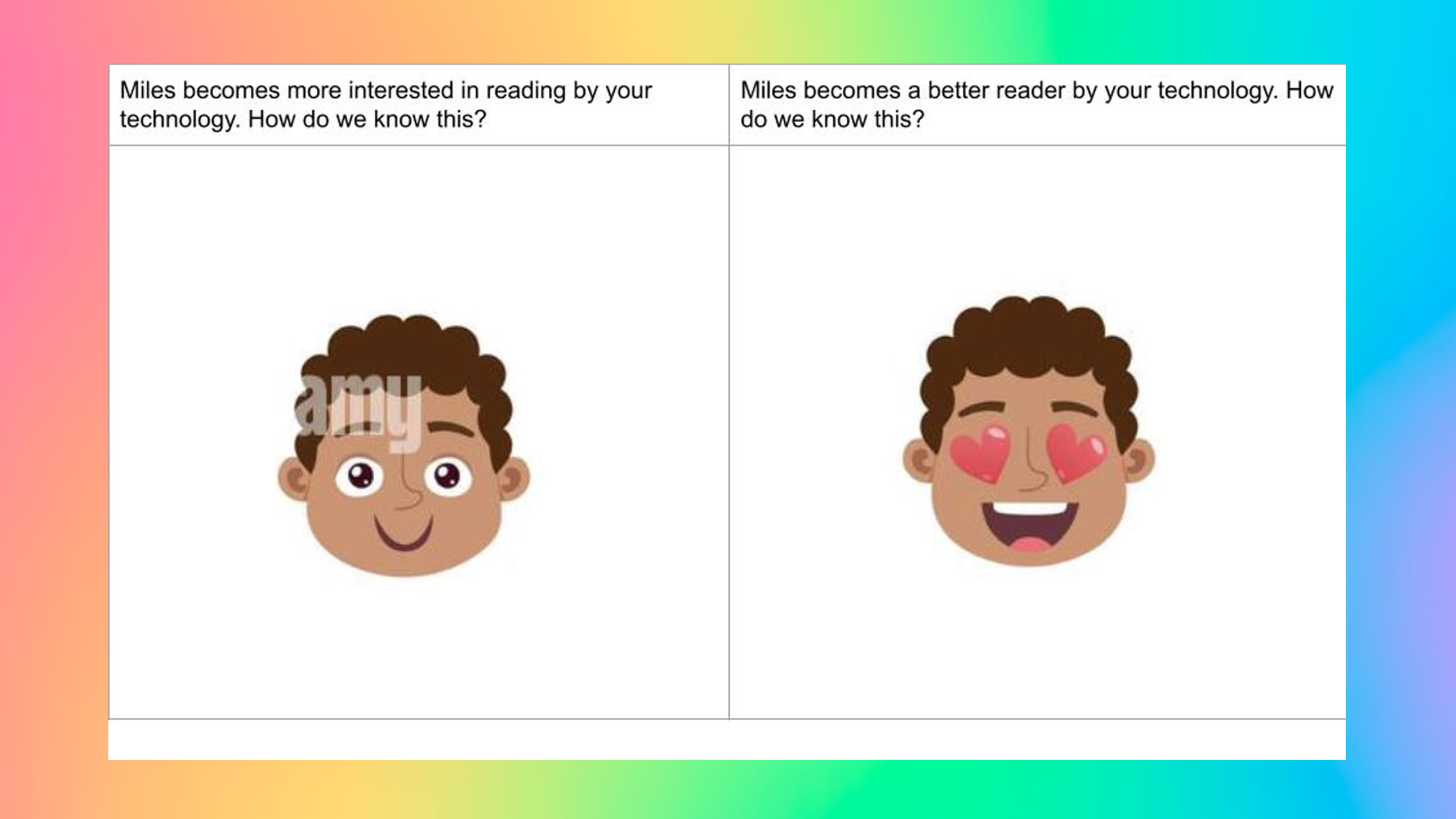
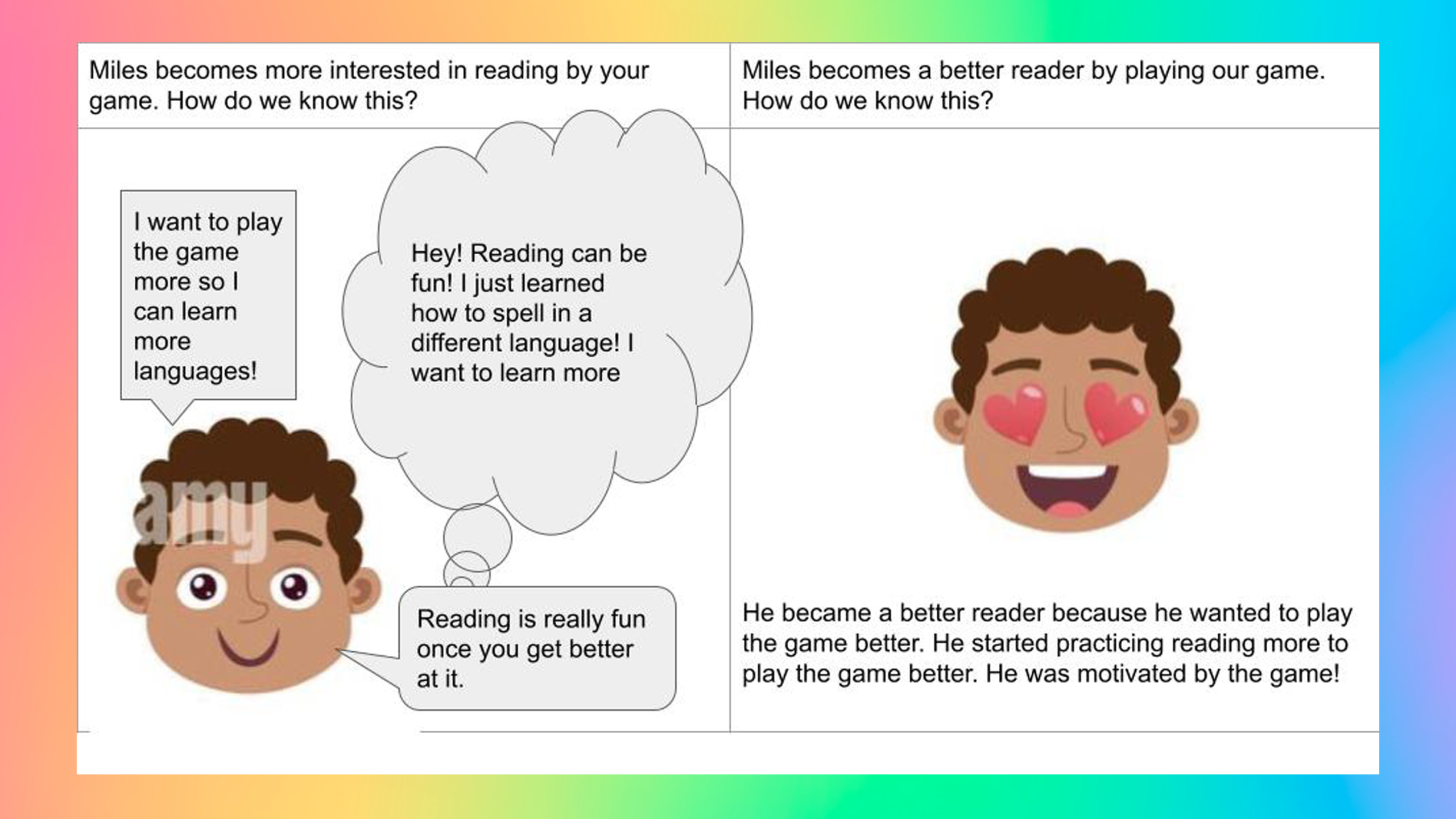
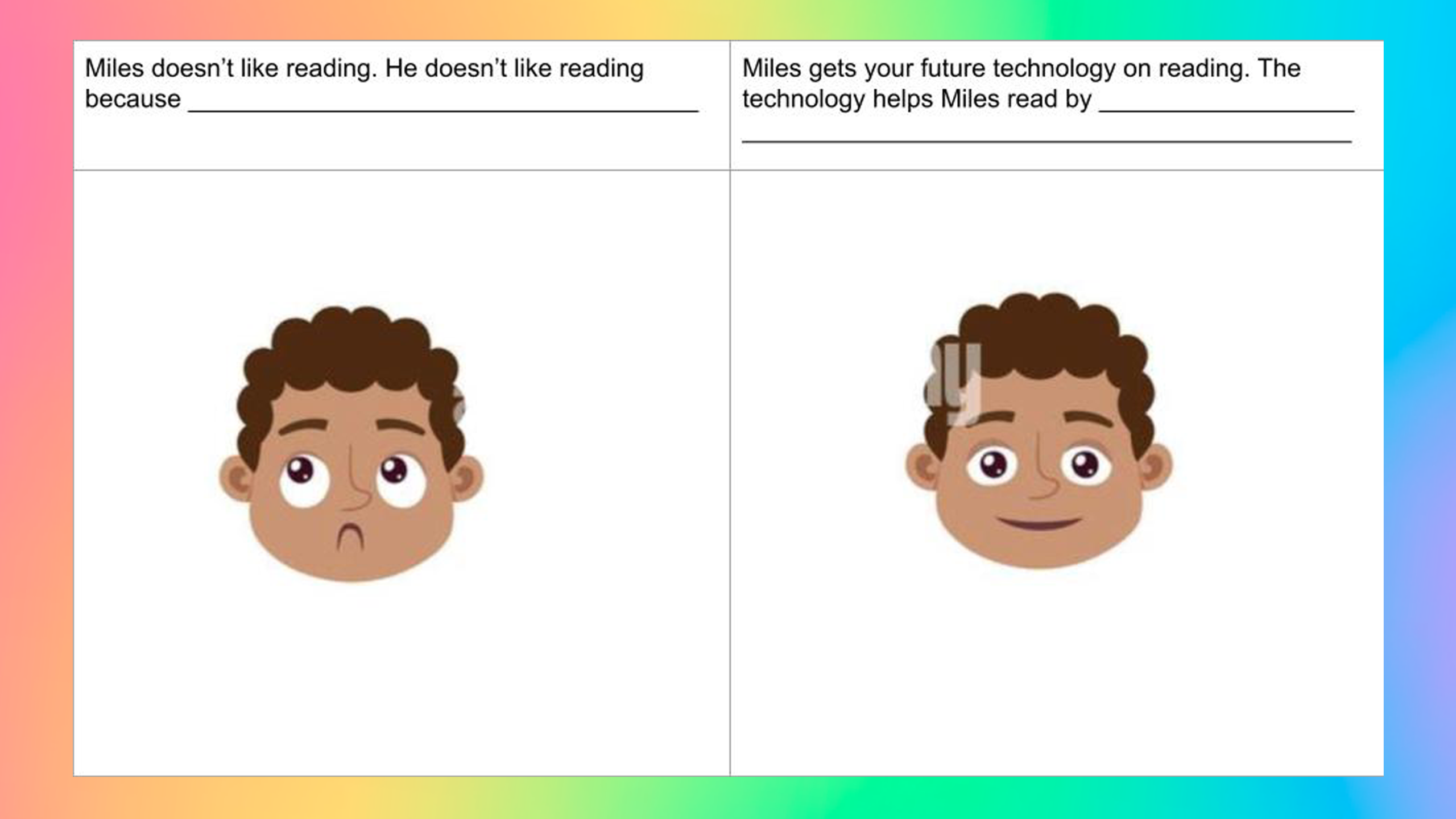
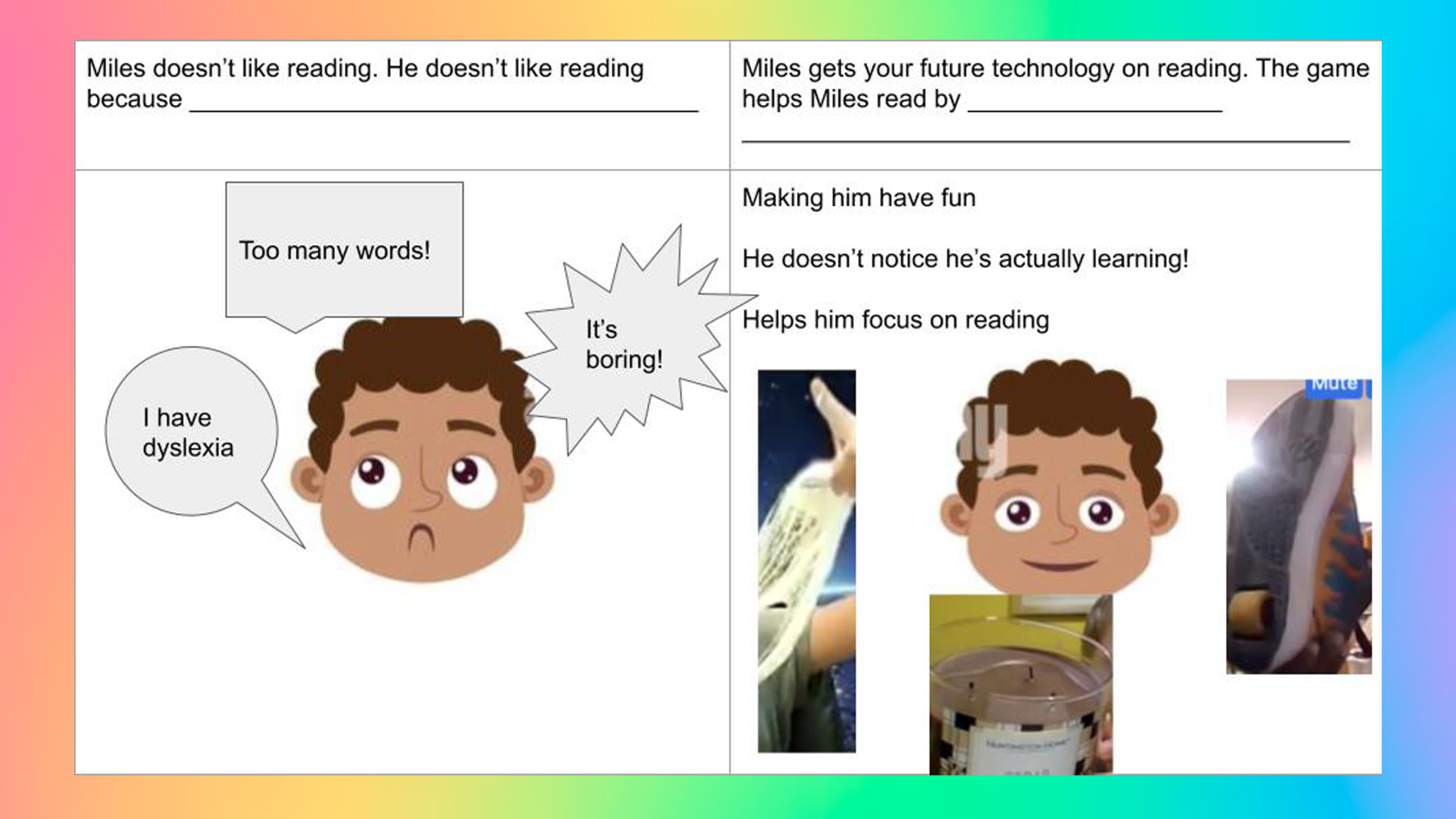
- Before the session, designers prepare “comics” of scenarios that they want to explore during co-design sessions. These are drawings on comic-book style panels in order to leverage the familiar storytelling device of comic books. For example, in the images below, co-designers were provided with a comic story template that related to the design question of how children would like technology to support their reading. Each small group brainstormed how the story would play out using images and text that were added to the comic board panels.
- Certain parts of the comic should be left blank in order to encourage design ideas that can be filled in. When coming upon a blank space, the co-designers should stop and talk about and fill in what should go in the panel as a way to communicate design ideas. Depending on what the design question is, spaces that could be left blank include speech bubbles, panels, or entire pages.
- When moving through a comicboard, co-designers should be given the option to either fill in the blank panels themselves, or narrate to another who will help them to fill the blank panel in. Sometimes an artist may be employed for a session to record ideas of the co-designers.
- If using Comicboarding online, using Google Slides or a similar technology such as Microsoft Power Point can be effective. Co-designers can also search for clip art when completing Comicboards online, or draw their entry, take a photograph or screenshots, and upload it.
See this technique in action
References
Fails, J.A., Guha, M.L., & Druin, A. (2013). Methods and Techniques for Involving Children in the Design of New Technology for Children. Foundations and Trends in Human-Computer Interaction 6(2).
Hinkler, A., Sobel, K., Lee, B. (2017). Co-designing with Preschoolers: Using Fictional Inquiry and Comicboarding. Proceedings of CHI, 2017, 5767-5772.
Lee, K.,J., Roldan, W., Zhu, T. Q., Saluja, H.K., Na, S., Chin, B., Zeng, Y., Lee, J. H., Yip, J. (2021). The show must go on: A conceptual model of conducting synchronous participatory design with children online. In CHI ’21: Proceedings of the 2021 CHI Conference on Human Factors in Computing Systems, pp. 1 – 16, https://doi.org/10.1145/3411764.3445715.
Walsh, G., Foss, E., Yip, J., and Druin, A. (2013). FACIT PD: A framework for analysis and creation of intergenerational techniques for participatory design. In Proceedings of CHI 2013, 2893 – 2901.